See Your Active Layer in Real Time
ZMK Layer Monitor sits in your menu bar and tracks your keyboard's active layer via HID.
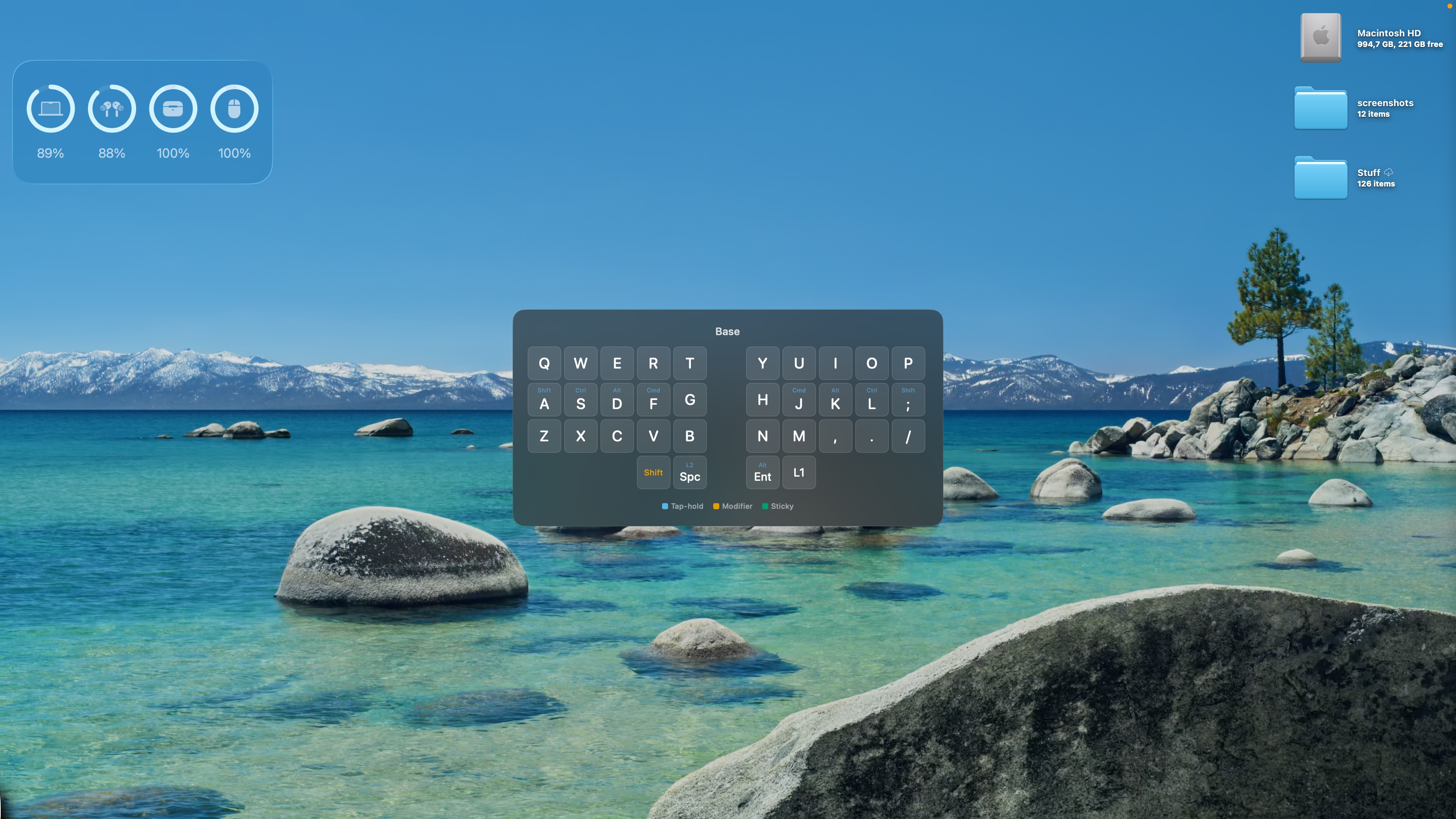
Toggle a full keyboard overlay showing every keybinding for the current layer.
Free, open source, built for ZMK.
Three steps to live layer display.
Enable HID Report
Build your ZMK firmware from the pfilipp/zmk fork with CONFIG_ZMK_HID_LAYER_STATE_REPORT=y enabled.
Import Your Keymap
Import your .keymap and .json layout files from your ZMK config. The parser extracts keybindings and physical key positions.
See Live Layers
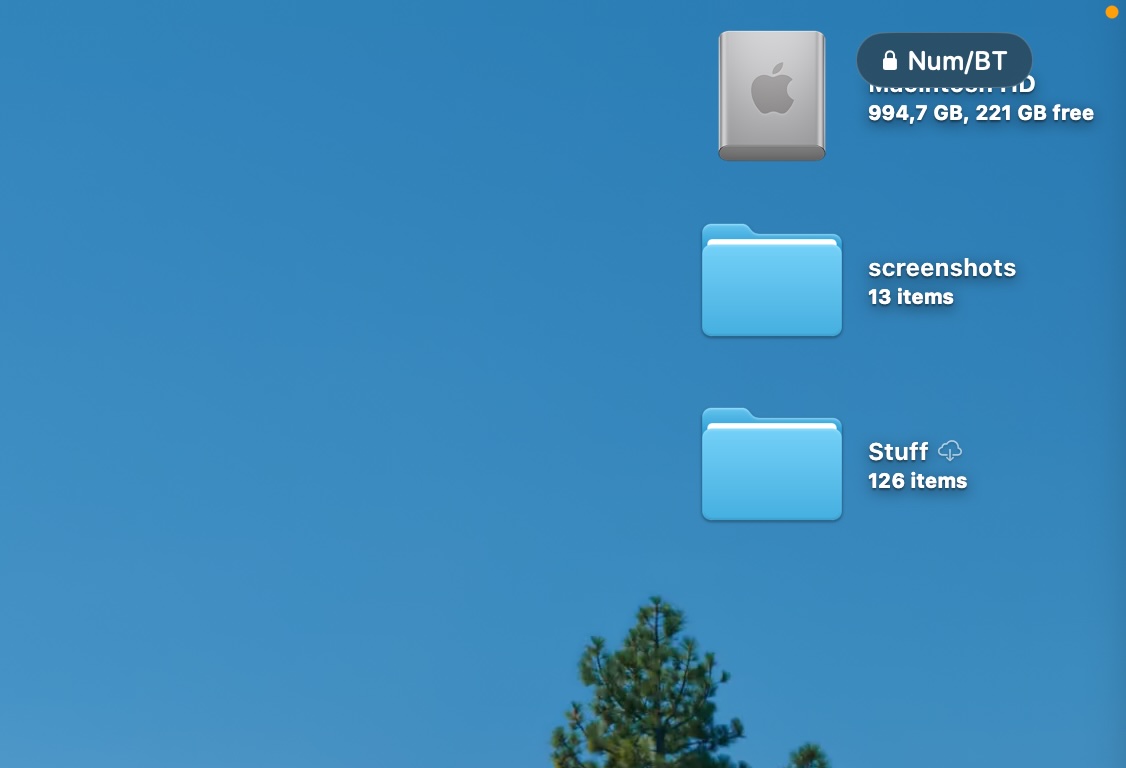
A floating pill shows your active layer. Press the hotkey to toggle a full keyboard overlay with all keybindings.
Everything you need to know your layer.
Real-Time HID Monitoring
Tracks your ZMK keyboard's active layer via a custom HID report. Layer changes appear instantly in the menu bar and floating overlay.
Keyboard Overlay
Toggle a full keyboard layout display showing every keybinding for the current layer. Centered on screen, non-interactive, and always up to date.
Color-Coded Keys
Tap, hold, modifier-wrapped, and sticky keys are visually distinguished using a colorblind-safe palette. See at a glance what each key does.
Layer Pill Indicator
A floating pill in the corner shows the active layer name and lock state. Configurable visibility — show only when locked, or always.
Customizable Hotkey
Set any keyboard shortcut to toggle the overlay. Record your preferred combo directly in the app. Default: ⌘⌃K.
ZMK Keymap Parser
Import .keymap and .json file pairs from your ZMK config. Supports &kp, <, &mo, &tog, &sk, &mt, home row mods, and modifier wrappers.
Free and open source.
ZMK Layer Monitor
- Real-time layer monitoring
- Full keyboard overlay
- Color-coded key display
- Customizable layer names
- Configurable hotkey
- ZMK keymap parser
Requires macOS.
Frequently asked questions.
ZMK Layer Monitor works with any ZMK-powered keyboard. It communicates via USB HID, so both wired and wireless keyboards are supported as long as they're connected to your Mac.
Yes. You need to build your firmware from the pfilipp/zmk fork, which adds a custom HID report (Report ID 0x04) for layer state. Add CONFIG_ZMK_HID_LAYER_STATE_REPORT=y to your .conf file. The easiest way is to use pfilipp/zmk-workspace.
Click the menu bar icon, then Import Keyboard Layout. Select your .keymap file and the matching .json physical layout file from your ZMK config repository. The app parses both to render your keyboard layout.
The parser supports &kp, &hml/&hmr (home row mods), < (layer-tap), &mo (momentary), &tog (toggle), &sk (sticky key), &mt (mod-tap), &trans, &none, and modifier wrappers like LG(), LS(), LC(), LA().